GET A QUOTE
08 6200 8409
08 6200 8409

Inverter Wi-Fi Setup

Need to reconnect your solar inverter to your home Wi-Fi? Choose your inverter brand below and follow the step-by-step video.

Before you start: have your home Wi-Fi password ready and make sure your phone is close to the inverter. Inverter Wi-Fi dongles require a 2.4 GHz Wi-Fi network.


Growatt

ShineWiFi-X / ShineWiFi-S connection guide. Growatt recommends a 2.4 GHz Wi-Fi network for the datalogger.

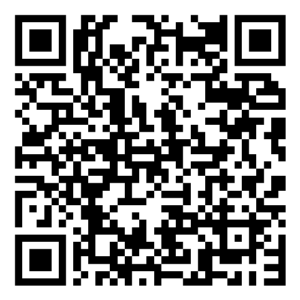
Scan to download Growatt ShinePhone app

Growatt DER registration and compliance process guide

GoodWe

GoodWe Wi-Fi configuration using SEMS+ Portal, SolarGo or web configuration. 

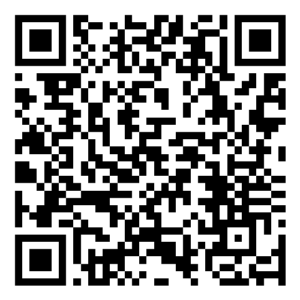
Scan to download GoodWe SEMS+ app

Sungrow

WiNet / Wi-Fi configuration using the Sungrow monitoring system. Follow the video for connecting the inverter to your home router.

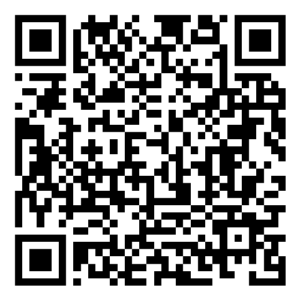
Scan to download Sungrow iSolarCloud app

Fronius

Fronius Wi-Fi connection guide. For GEN24 systems, connect to the inverter interface and select Communication → Network → WiFi.

Scan to download Fronius Solar.web app

Still having trouble?

If your inverter will not connect, check that your Wi-Fi signal is strong near the inverter and that your network details are correct. If you have changed your router, you may need to reconfigure the inverter. If you still need help, contact Green Logic and we can assist with reconnecting your system.